5.2. Listen
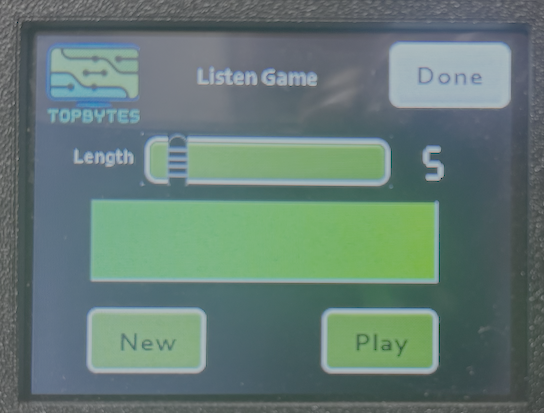
The listen game generates a random string of characters of the length defined by the slider. Play will play out the morse associated with the string. Try and write down the letters. New will generate a new string.
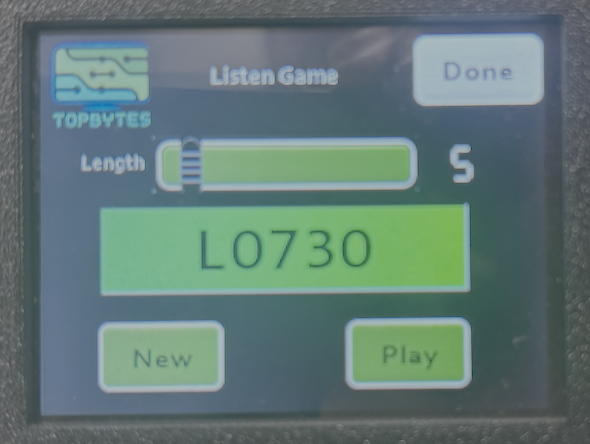
Pressing on the green box in the middle will reveal the string to provide confirmation.
5.2.1. Loop Playback
Press and hold the Play button for more than 1 second to enter loop playback mode. The Play button locks down to indicate loop mode is active.
In loop mode:
A new random string is generated and played
After playback, the trainer waits 5 seconds then generates and plays another string
Short press Play to stop the loop and return to normal mode
This is useful for continuous listening practice without having to press Play each time.
5.2.2. Custom Word Lists
When a custom practice word list is configured via the web interface, the Listen game picks random words from your custom text instead of generating random character strings. The word length slider is hidden as it is not relevant in this mode.
See the Practice Text section of the Web Interface documentation for setup instructions.